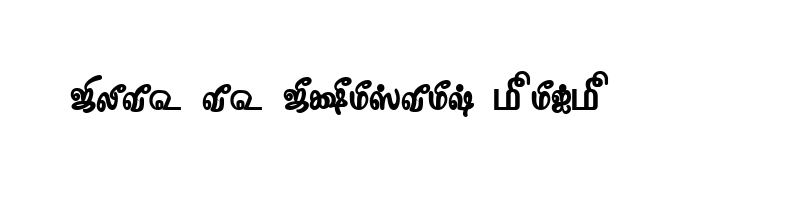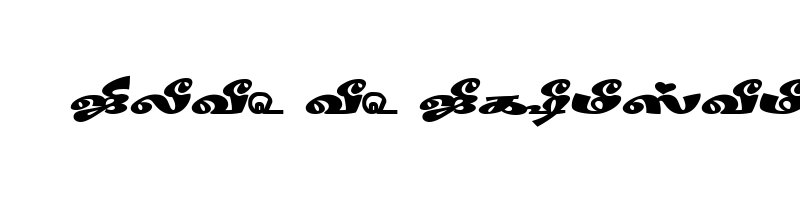

18 خبرات مصمم Font Free Download

The 18 خبرات مصمم font is a beautifully designed Bold typeface. It has been downloaded 158 times and rated 3 out of 5 by 3 users.

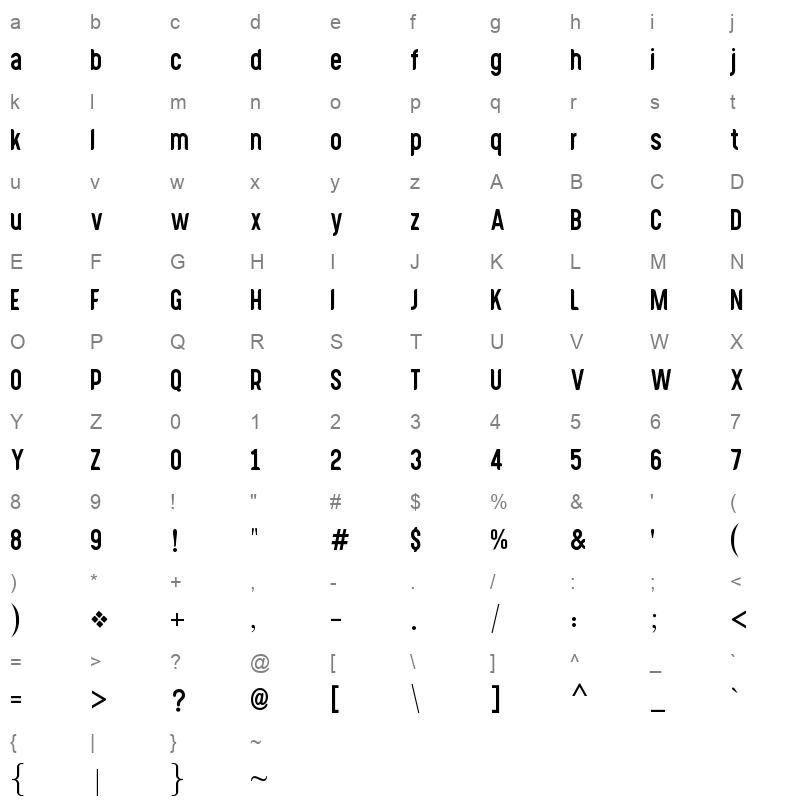
You can easily download and install this font on Windows, macOS, and Linux systems. To explore the calligraphic style of the 18 خبرات مصمم font, check out the Character Map section below. You can also preview how your text will look in the live font preview box before downloading.

Scroll down to view recommended similar fonts and leave a review to share your feedback.

No captcha is required—just a simple and fast download experience.

For complete information, view the font details table below.


Preview of 18 خبرات مصمم

Live Font Preview

Download Font

please dont'n forget to give your review after downloading this font.

By downloading the Font, You agree to our Terms and Conditions

Download free fonts instantly with no hassle — no credit card, no signup, no captcha, and no unzipping required. Simply click to download the font file and install it in one step. Enjoy 100% free fonts with no copyright restrictions. Fast, easy, and secure font downloads!

18 خبرات مصمم Font Information

Font Name 18 خبرات مصمم
Font Version Version 03 March 31, 2018 des. Azhari Phatani
Font Style Bold
Weight 700
Font Type TrueTypeFonts
Font Embedding Editable
Font Tags 18 خبرات مصمم
Number of Glyphs 344
Font File Size 68.57 KB
Total Downloads 158
Font Rating 3/5

Character Map

18 خبرات مصمم Character Map

How to Install 18 خبرات مصمم Font

Windows

  1. Download the font file (it will usually be .ttf or .otf).
  2. Right-click the downloaded file.
  3. Select Install from the menu.
  4. Your font will now be available in all applications!

Mac

  1. Download the font file (.ttf or .otf).
  2. Double-click the font file.
  3. Font Book will open automatically. Click Install Font.
  4. The font will now be installed on your Mac.

Linux

  1. Download the font file.
  2. Create a .fonts directory in your home folder if it doesn't exist.
  3. Move the downloaded font file into the .fonts folder.
  4. Run fc-cache -f -v in the terminal to refresh the font cache.
Tip: After installing, restart any applications you had open to see the new font!

🔗 Related Fonts


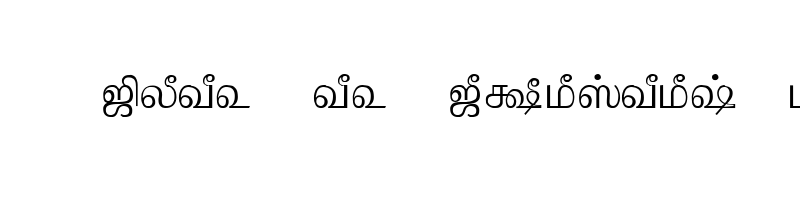
 preview

Tam Shakti 18 Normal


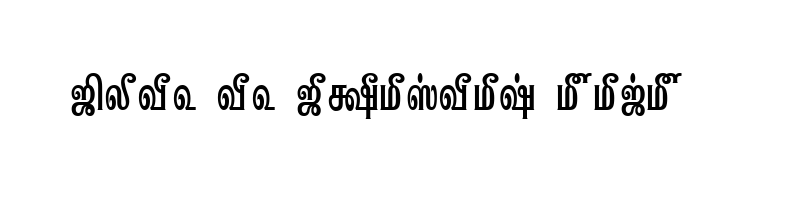
 preview

Tam Tamil018 Normal


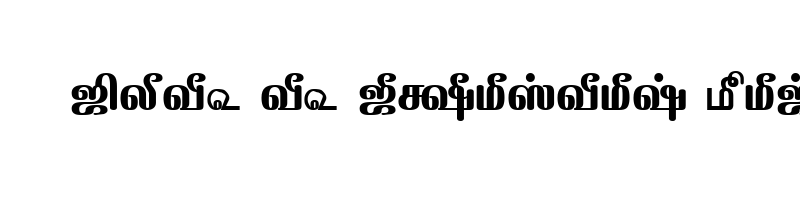
 preview

TAM Tamil118 Normal


 preview

TAM Tamil188 Normal


 preview

TAM Tamil183 Normal